
AI Updates
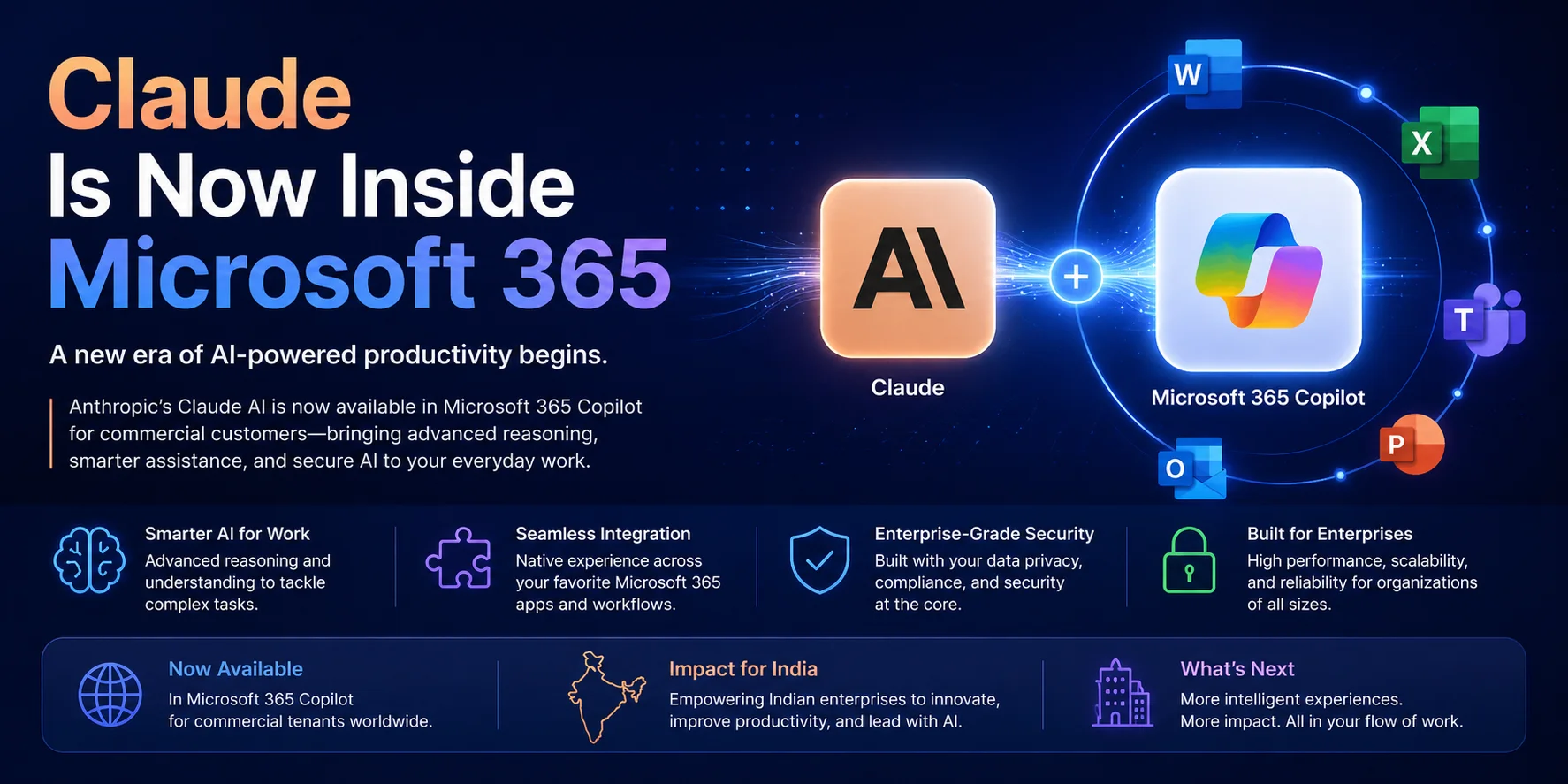
Microsoft 365 sits at the centre of daily work for most large Indian enterprises — email, spreadsheets, presentations, and chat all run through it. On January 7, 2026, that familiar stack got a significant upgrade: Anthropic's Claude was enabled by default inside Microsoft 365 Copilot for commercial tenants globally, including India. For the first time, a frontier AI model is woven into the tools your teams already use — without a separate subscription, a new login, or a change-management project to introduce yet another platform.
The opportunity is real. So is the risk of wasting it. Enabling Claude inside M365 is not the same as your organisation actually benefiting from it. Here is what changed, what it means for Indian enterprises, and what you need to do to turn a feature toggle into genuine productivity gains.
The Claude integration inside Microsoft 365 Copilot is not a chatbot bolted onto the side of Outlook. It operates through what Anthropic calls Agent Mode — a capability where the model can take multi-step actions across applications, not just respond to single prompts.
In practice, Agent Mode means Claude can draft an email in Outlook based on meeting notes from Teams, pull data from an Excel sheet to populate a Word report, and flag compliance issues in a contract — all within a single conversational instruction. The model reads context from across your M365 environment (subject to the permissions you configure) and acts on it.
This is different from the earlier generation of M365 Copilot, which worked primarily within one application at a time. The Claude integration brings cross-application reasoning and action to the productivity suite — the kind of work that previously required a human to switch between five tabs and stitch information together manually.
For Indian organisations on Microsoft 365 Business Premium, E3, or E5 plans with an active Copilot licence, the Claude integration is live. There is no separate activation step — it is available within the Copilot interface across Word, Excel, Outlook, PowerPoint, and Teams.
One area Indian IT teams need to pay close attention to is data residency. Microsoft's M365 data centre regions in India (Central India and South India) handle data storage, but AI inference with Claude runs through Anthropic's API infrastructure. For organisations subject to sector-specific data localisation requirements — particularly in BFSI, healthcare, and government-adjacent industries — confirm with your Microsoft account team whether the Claude integration can be scoped to M365's India-region tenant configuration, or whether it requires data to leave Indian borders during inference.
For most commercial tenants outside regulated sectors, this is not a blocker. But it warrants a documented answer before you roll the feature out to your entire workforce.
The following five use cases deliver immediate, measurable value with no integration work, no custom development, and no new tools. They work with standard M365 Copilot access and the Claude Agent Mode that is now live.
| Use Case Application What Claude Does Time Saved | |||
| Email drafting from context | Outlook | Reads a long email thread and drafts a reply that addresses all open points | 15–25 min per complex thread |
| Meeting summaries with action items | Teams | Generates structured summary with owners, deadlines, and open questions from meeting transcript | 30–45 min per meeting |
| Excel data analysis | Excel | Interprets raw data, writes formulas, creates pivot summaries, and flags anomalies in plain language | 1–3 hours per report cycle |
| Contract review | Word | Reads a contract, highlights non-standard clauses, flags missing provisions, and summarises key obligations | 2–4 hours per contract |
| PowerPoint generation from brief | PowerPoint | Converts a Word document or bullet list into a structured slide deck with section headings and key points | 1–2 hours per deck |
These are not theoretical savings. Across early M365 Copilot adopters in India, organisations that focused on two or three high-frequency use cases — rather than trying to deploy AI everywhere at once — reported faster adoption and clearer ROI within the first quarter.
The default-on status of the Claude integration means it is already available in your tenant. That is not the same as saying it is appropriately configured for enterprise use. Before enabling it for your broader workforce, your IT and security teams need to address three areas.
Claude in M365 Copilot can access content across your tenant — emails, documents, Teams messages — based on the permissions of the signed-in user. Review your Microsoft Purview Data Loss Prevention policies to ensure sensitive data classifications (financial records, HR data, customer PII) have appropriate handling rules that apply within Copilot interactions. If you have not deployed Purview sensitivity labels yet, this integration is a good forcing function to do so.
Do not give everyone access on day one. Start with a pilot group — typically 50–100 users across two or three departments — and use the Microsoft 365 admin centre to scope Copilot access to that group. This gives you a controlled environment to observe how people use it, what data it accesses, and whether your DLP rules work as expected before you roll out to the full organisation.
Enable Microsoft Purview Audit (Standard or Premium) for your Copilot users. This captures a log of Copilot interactions — what prompts were submitted, what content was accessed, what actions were taken — which is essential for both security investigations and demonstrating compliance to auditors in regulated sectors.
For Indian organisations in BFSI, the RBI's guidelines on third-party AI tools require documented governance over how AI models access and process customer data. Having audit logs in place from day one satisfies this requirement. For healthcare, the DPDP Act 2023 compliance framework similarly requires you to demonstrate control over how personal data is processed by AI systems.
This is where most M365 Copilot rollouts fail. The IT team enables the feature, sends a company-wide email, and then waits for productivity to improve. It doesn't — because knowledge workers are busy, slightly suspicious of new tools, and rarely have time to experiment during the workday.
Organisations that achieve meaningful adoption follow a different pattern. They identify a small group of early adopters in high-volume, repetitive-work roles — procurement analysts, legal reviewers, finance team members who write the same reports every week — and invest in helping those people get genuine time savings within their first two weeks. Those people then become internal advocates who teach their peers by example, not by training decks.
The practical playbook:
This approach is documented in Infurotech's AI adoption strategy framework and has been applied across M365 rollouts for mid-market and enterprise clients in India.
M365 Copilot with Claude is an excellent starting point — it works within tools your teams already use and requires no development investment. But it has limits. It cannot connect to your ERP, CRM, or custom internal systems. It cannot automate workflows that span multiple platforms. And it cannot be customised for the specific language, templates, or processes your organisation uses.
For those use cases — automating document-heavy workflows that cross systems, building internal tools that connect M365 data to your operational software, or creating AI agents trained on your company's own knowledge base — you need a layer of custom development on top of the M365 foundation.
Infurotech's technology services team helps Indian enterprises design that extended architecture: starting with what M365 Copilot gives you for free, then identifying exactly where custom AI applications add value that the off-the-shelf tool cannot. If you're ready to go further than what Copilot offers, our AI Builder service can ship those custom tools in days, not months.
The Claude integration in Microsoft 365 is the most accessible AI deployment most Indian enterprises will ever make — it requires no budget, no new tools, and no major technical work. The investment required is governance, change management, and focus on the right use cases first.
If your team needs help designing the governance framework, scoping the pilot, or building on top of M365 Copilot with custom AI capabilities, speak with our team. We have helped Indian enterprises across BFSI, healthcare, and manufacturing move from feature enabled to measurable business impact in under 90 days.
The question is no longer whether AI belongs in your productivity tools. It is already there. The question is whether your organisation has a plan to use it well.